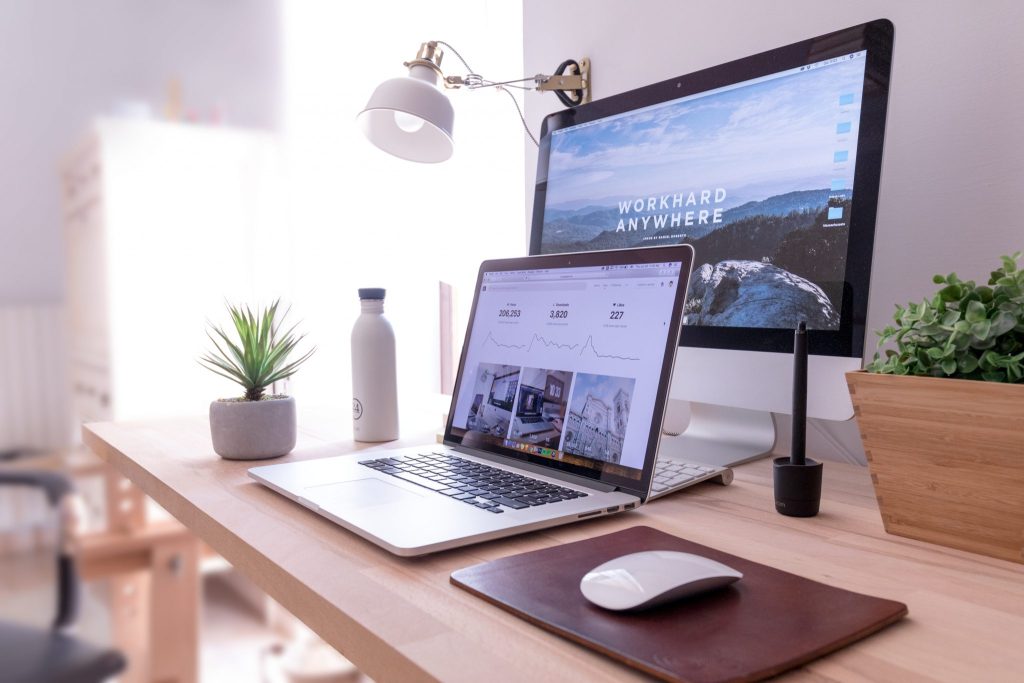
A dedicated physical area signals the brain that work has begun. Position the desk away from high-traffic zones, add a comfortable chair with proper lumbar support, and ensure adequate lighting to reduce eye strain. Keep the surface clear except for essentials—monitor, keyboard, mouse, and perhaps a notebook. Cable management prevents visual clutter and tripping hazards while maintaining a calm atmosphere conducive to concentration.
Software setup determines efficiency more than hardware in many cases. Organize the desktop with folders grouped by project or frequency of use, pin frequently accessed applications to the taskbar or dock, and customize keyboard shortcuts for repetitive actions. Multiple virtual desktops separate personal browsing from work applications, minimizing distractions when switching contexts. Cloud-synced files ensure access from any device without hunting for the latest version.
Notification management preserves focus during deep work periods. Silence non-essential alerts, route important messages to a single channel, and schedule batches for checking email or messaging apps. Browser extensions block time-wasting sites during set hours or limit tab counts to curb overload. Background music or white noise apps mask household sounds without adding cognitive load, helping maintain flow on demanding tasks.
Regular reviews keep the system sustainable. At week’s end, archive completed projects, delete temporary files, and adjust layouts based on what worked well or created friction. Ergonomic tweaks—raising the monitor to eye level, positioning the keyboard for neutral wrist posture—prevent discomfort during longer sessions. Periodic hardware upgrades, like a second monitor or better headset, address bottlenecks as needs evolve. A thoughtfully arranged digital workspace supports consistent output while respecting the boundaries between professional and personal life.